◂▸
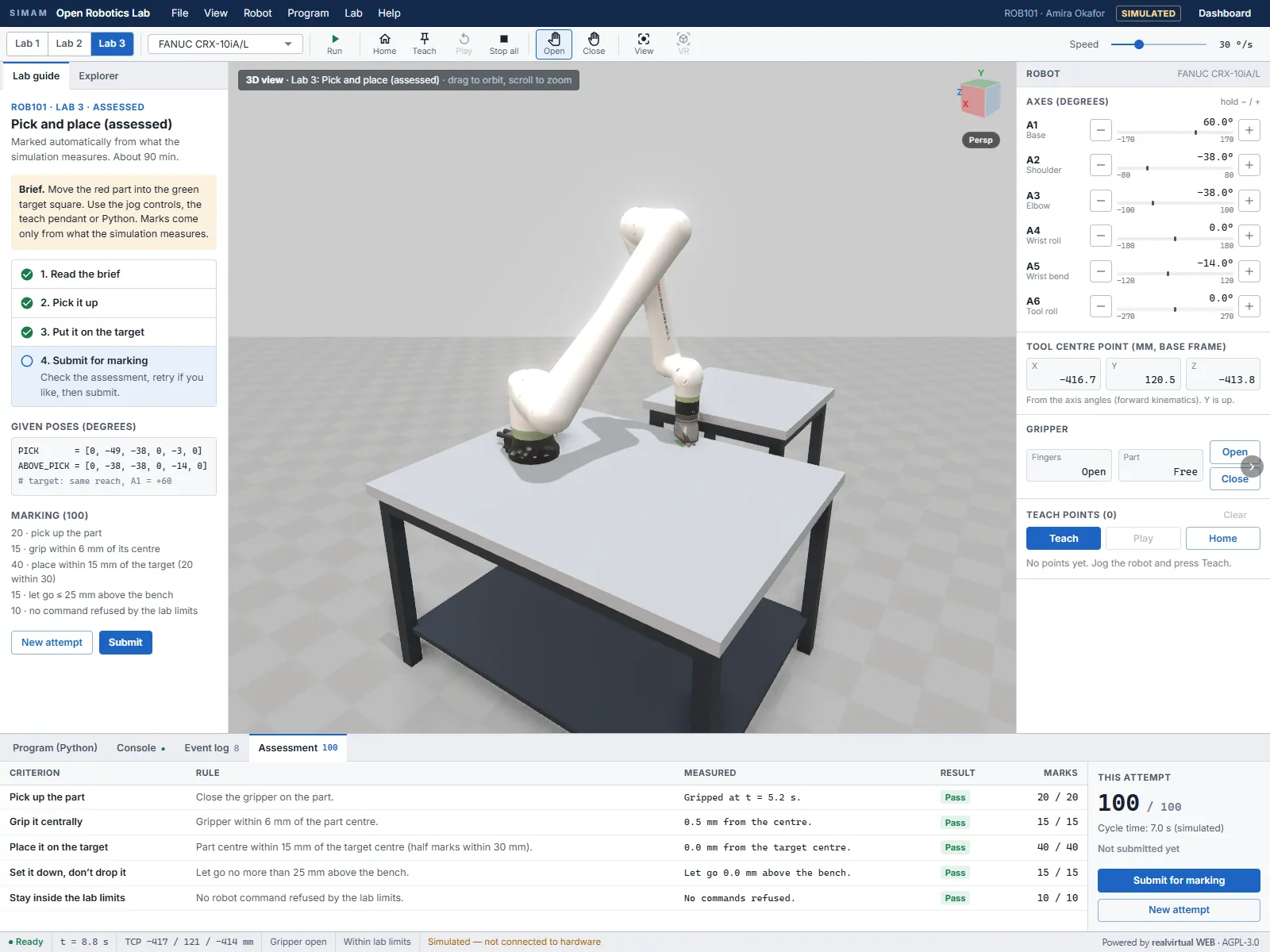
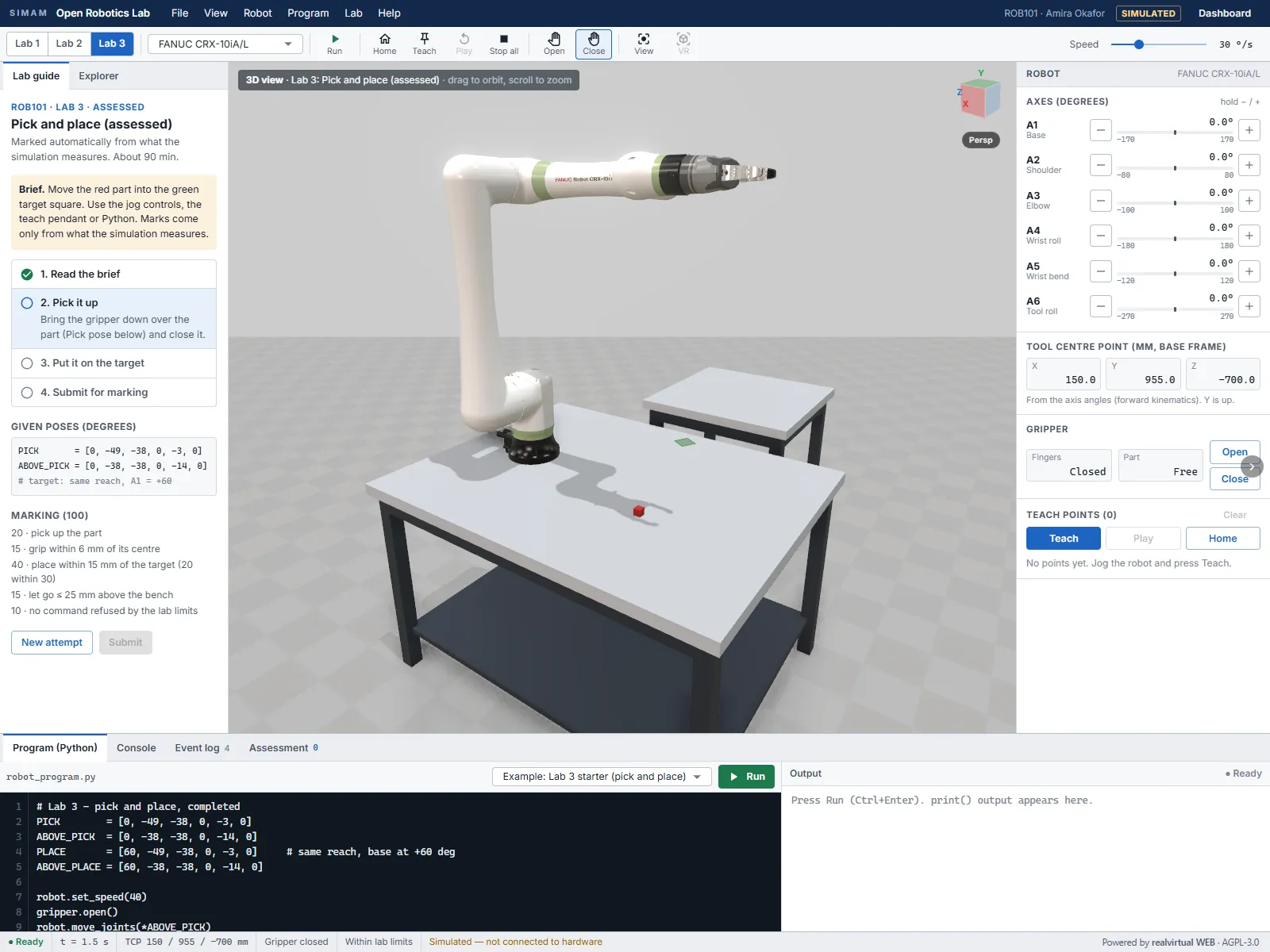
A free robotics lab for universities that runs in a web browser with nothing to install. Students jog a six-axis cobot, program it in real Python and complete an assessed pick-and-place task, and the simulation marks it out of 100 from what it measured: grip, placement accuracy, release height and limits. It comes with PDF worksheets that take each lab from Level 4 to Level 7.
What we tried
- We built the lab as a plugin on the open-source realvirtual WEB engine, with no changes to the engine itself.
- We ran student Python in the browser with Pyodide in a background worker, so a slow or broken program cannot freeze the 3D view.
- We marked the assessed lab from what the simulation records (grip offset, placement error, release height, refused commands) rather than from the code, so any correct approach scores, whether jogged or programmed.
- We loaded a second robot brand, the open-source SO-101 arm, from its URDF description, and added import of other robots from a URDF folder.
What we measured
| Measure | Run 1 | Run 2 | Note |
|---|---|---|---|
| Lab 3 score | 100 / 100 | 100 / 100 | |
| Grip offset from part centre | 0.5 mm | 0.5 mm | 15 marks within 6 mm |
| Placement error | 0.0 mm | 0.0 mm | 40 marks within 15 mm |
| Release height above the bench | n/a | 0.0 mm | 15 marks at 25 mm or lower; run 1 passed, value not logged |
| Simulated cycle time | 6.7 s | 7.0 s | |
| Run pressed to program finished | 6.3 s | 6.2 s | wall-clock, Edge on a desktop, preview build |
What went wrong
- The SO-101's joints came out of its URDF in file order, not along the arm, so sliders moved the wrong links until we sorted them by depth along the kinematic chain.
- The community edition has no physics engine, so a released part could not simply fall. We set it down on the bench and measure the release height instead, which is why that criterion is a measurement rather than a simulated drop.
- Adding the URDF loader stalled the development server's dependency pre-bundling until we listed it for pre-bundling explicitly.
What happens next
- A machine-vision lab: a simulated camera and part detection in Python.
- A ROS 2 lab driving the same simulated robot through rosbridge.
- Python and marking on robots imported from URDF, not only the FANUC.
- Test the VR mode on a Quest headset.
Built with
- realvirtual WEB 6.4.1 (community) AGPL-3.0
- three.js MIT
- React and MUI MIT
- Pyodide MPL-2.0
- urdf-loader 0.13.1 Apache-2.0
- SO-101 arm model (TheRobotStudio SO-ARM100) Apache-2.0
- FANUC CRX-10iA/L model (realvirtual WEB library) To be confirmed with realvirtual
The book behind the lab
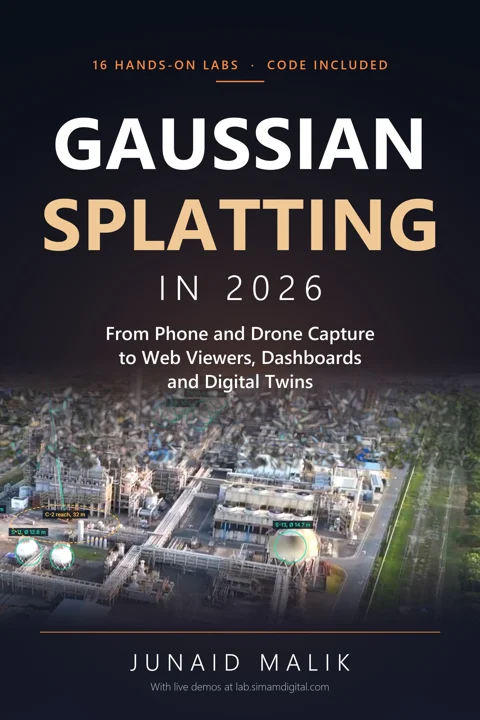
Get the book today: learn Gaussian splatting and apply it to real projects.
People keep asking how we build what you see here. The book walks students, educators and practitioners from a drone clip to a measured 3D in the browser, with hands-on labs and the code.
Launch price until 3 December.
Teaching a course (Level 5, Level 6 and up)? Email junaid.malik@simamdigital.com about a class discount.